I had no problems running plex and have been updating Plex when it was required. However, when I upgraded to TOS6 recently in the past 2 weeks or so I notice that my Plex had stopped working, specifically it looked like PLex could not locate the media files.
The folders location is still in PLex, but I cannot navigate to that location as it seems to stop at the "volume1" folder and does not display any of the other sub-folders in it in Plex. But if I navigate using File Manager in TOS6, I see all the files and folders - no change.
Is there some permissioning or other changes I need to make to fix this?
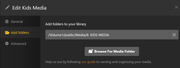
Here is the folder in TNAS - File Manager:
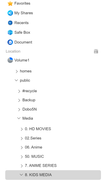
And here is what Plex shows when I try edit the existing folder, note that it only shows up to "Public" folder and nothing further below that:
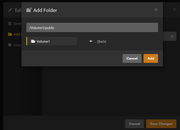
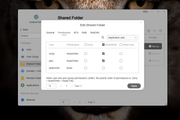
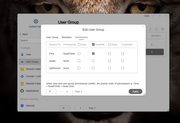
I suspect it has something to do with permissioning of the folders, but not sure how to fix it? How do I change what folder permissions Plex has visibility to see?