Yes. I'm using a correct API Key. I've also tried numerous of different models in Open Router.
I've also tried OpenAI, still the same error message. OpenClaw is up to date. I went as far as uninstalling it and reinstalling it. No change.
Please try again with other LLM Model, at the same time we will verify in our lab.
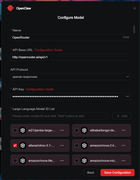
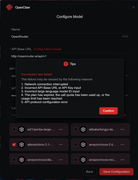
Open Router is in the list available to use to select your LLM Provider. I prefer to use free models provided by Open Router rather than paying Open AI's asking price per month. AP Credentials are correct because I keep generating a new key and directly copying the newly generated API key from Open Router into the configuration box. Base URL is also correct. In the screenshots provided, I have auto selected, If I click on any other random models in the list. Error is still the same.
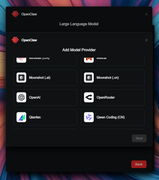
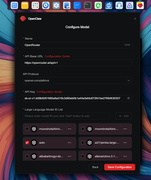
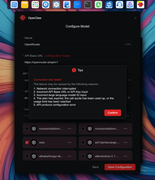
ATO3FIX wrote: ↑28 Jun 2026, 03:57Open Router is in the list available to use to select your LLM Provider. I prefer to use free models provided by Open Router rather than paying Open AI's asking price per month. AP Credentials are correct because I keep generating a new key and directly copying the newly generated API key from Open Router into the configuration box. Base URL is also correct. In the screenshots provided, I have auto selected, If I click on any other random models in the list. Error is still the same.
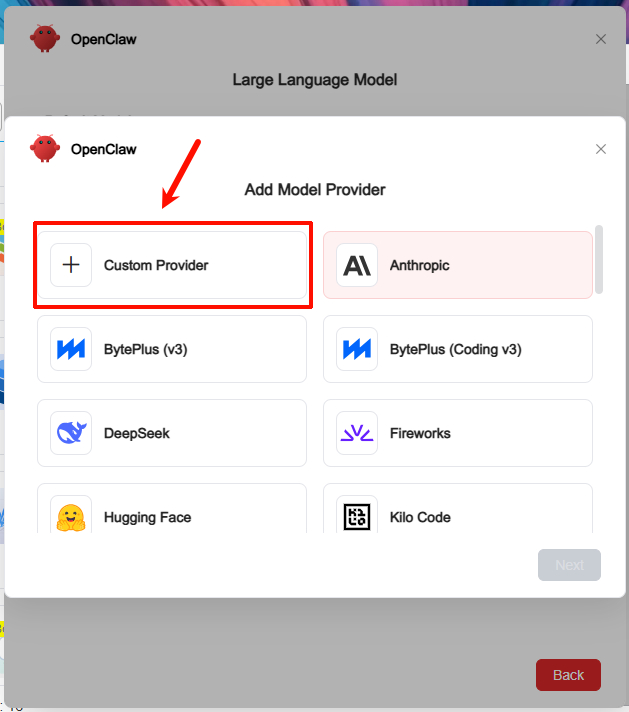
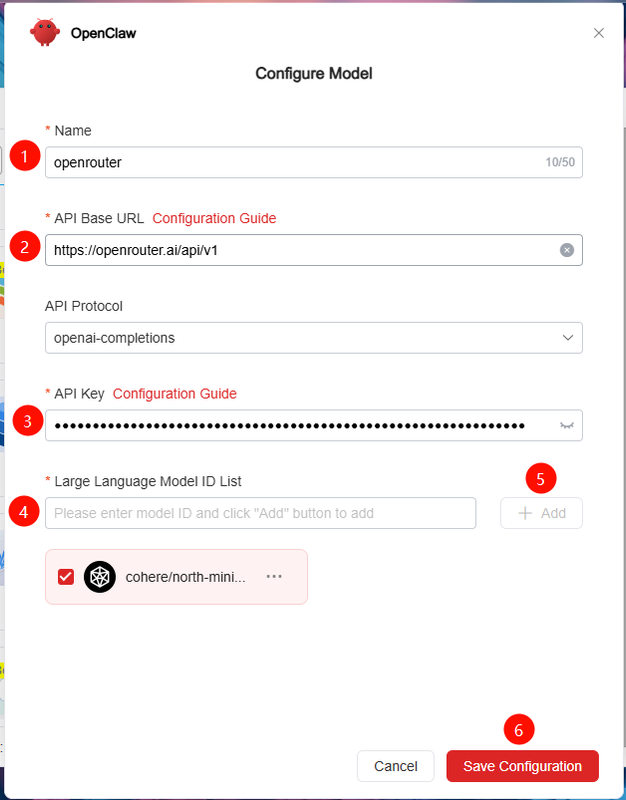
Thank you for your feedback. We have confirmed that this is a known bug and will fix it in a future release. In the meantime, you can add OpenRouter models using the "Custom Provider" option. We have verified that this method works correctly and does not affect model configuration or usage. Thank you for your understanding and support.
We have confirmed the issue you reported — the behavior you described does exist. The root cause is that the model parameters displayed in our UI are based on OpenClaw's default settings. We validated these parameters against major API providers, but did not test them specifically for OpenRouter. This will be corrected in the next update. Thank you for your feedback!