
If your this dockhand relies on network scanning to find other containers, bridge mode might block that. You might want to try host mode instead.dgmigdot wrote: ↑18 Jul 2026, 03:42Dockhand is installed and running, but I do not see any of my containers or stacks. What could be th problem? thanks in advance!EgorA wrote: ↑15 Jul 2026, 01:50Try to run dockhand in docker. It's much better.
docker project:Code: Select all
services:
  dockhand:
    image: fnsys/dockhand:latest
    container_name: dockhand
    network_mode: bridge
    ports:
      - 8000:3000
    volumes:
      - /Volume1/docker/dockhand:/app/data:rw
      - /var/run/docker.sock:/var/run/docker.sock
    restart: always
TOS 7.0.0780 (X86) is Released for Update
Re: TOS 7.0.0780 (X86) is Released for Update
To contact our team, please send email to following addresses, remember to replace (at) with @:
Technical team: support(at)terra-master.com (for technical support)
Service team: service(at)terra-master.com (for purchasing, return, replacement, RMA service)
Technical team: support(at)terra-master.com (for technical support)
Service team: service(at)terra-master.com (for purchasing, return, replacement, RMA service)


Re: TOS 7.0.0780 (X86) is Released for Update
update TOS 7.0.0780 no problem
F8 SSD Plus MADN0301. V02 TOS 7.0.1298
-
Konstantin

- Posts: 11
- Joined: 09 Jul 2026, 09:00

Re: TOS 7.0.0780 (X86) is Released for Update
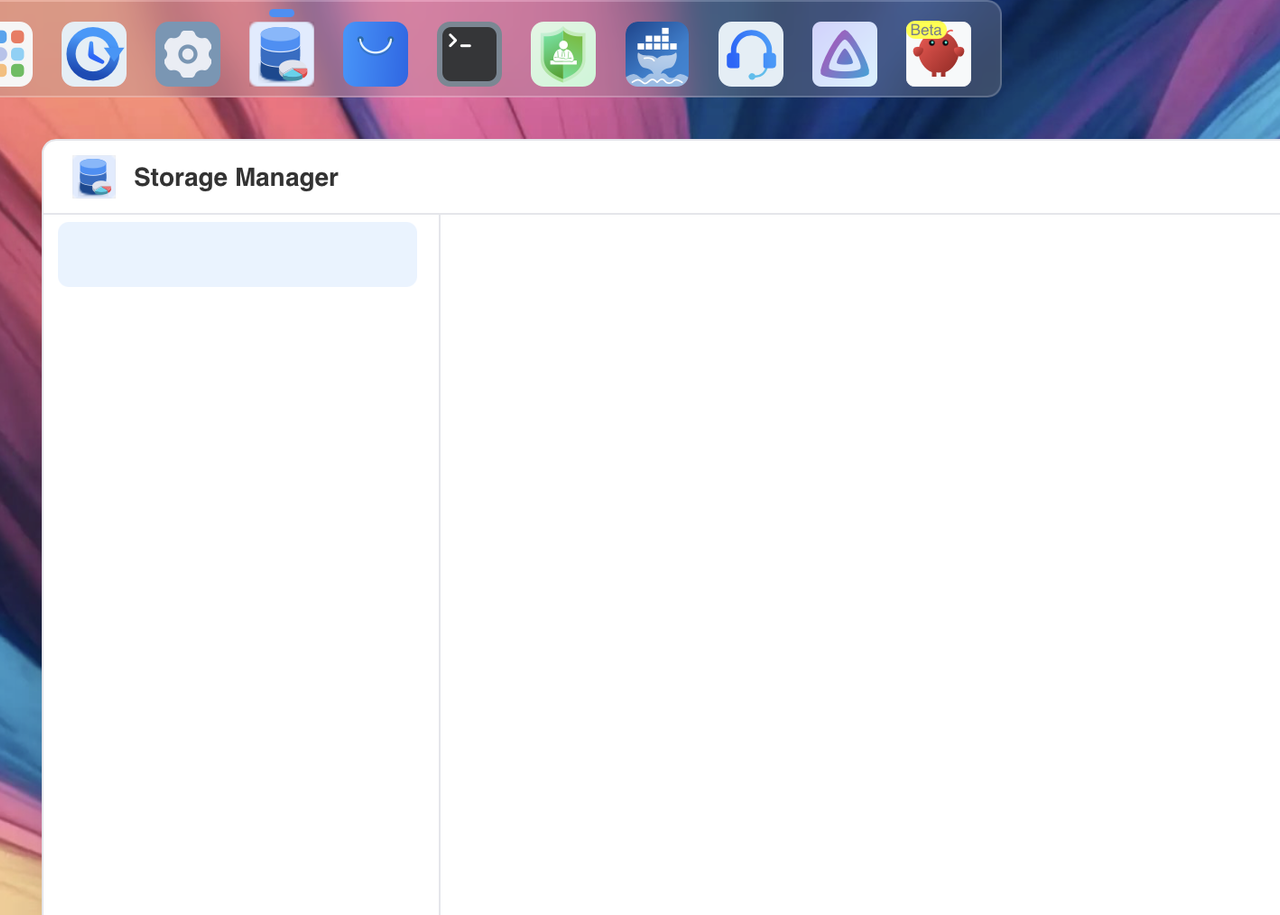
Storage Manager update stuck at 99% after reboot and is completely unusable
https://i.postimg.cc/sfGQc6Fw/Screensho ... -04-02.png
https://i.postimg.cc/sfGQc6Fw/Screensho ... -04-02.png


Re: TOS 7.0.0780 (X86) is Released for Update
Same here!Konstantin wrote: ↑22 Jul 2026, 01:16 Storage Manager update stuck at 99% after reboot and is completely unusable
https://i.postimg.cc/sfGQc6Fw/Screensho ... -04-02.png

-
Konstantin
- Posts: 11
- Joined: 09 Jul 2026, 09:00
Re: TOS 7.0.0780 (X86) is Released for Update
I found a way to solve the problem. If you have a backup copy of your system configuration from TOS-7 and that file is saved on your computer, I recommend resetting your system configuration through the same control panel.mrk wrote: ↑22 Jul 2026, 02:47Same here!Konstantin wrote: ↑22 Jul 2026, 01:16 Storage Manager update stuck at 99% after reboot and is completely unusable
https://i.postimg.cc/sfGQc6Fw/Screensho ... -04-02.png

Re: TOS 7.0.0780 (X86) is Released for Update
Thanks! This, together with runningKonstantin wrote: ↑22 Jul 2026, 02:55I found a way to solve the problem. If you have a backup copy of your system configuration from TOS-7 and that file is saved on your computer, I recommend resetting your system configuration through the same control panel.mrk wrote: ↑22 Jul 2026, 02:47Same here!Konstantin wrote: ↑22 Jul 2026, 01:16 Storage Manager update stuck at 99% after reboot and is completely unusable
https://i.postimg.cc/sfGQc6Fw/Screensho ... -04-02.png
Code: Select all
dpkg --configure storagemanager-
Konstantin
- Posts: 11
- Joined: 09 Jul 2026, 09:00
Re: TOS 7.0.0780 (X86) is Released for Update
What does this command do in the terminal?mrk wrote: ↑22 Jul 2026, 03:17Thanks! This, together with runningKonstantin wrote: ↑22 Jul 2026, 02:55I found a way to solve the problem. If you have a backup copy of your system configuration from TOS-7 and that file is saved on your computer, I recommend resetting your system configuration through the same control panel.in the terminal, helped me recover from the broken state.Code: Select all
dpkg --configure storagemanager

Re: TOS 7.0.0780 (X86) is Released for Update
Glad you got the Docker issue sorted out.
The "docker engine randomly and permanently crashing under TOS 7 completely randomly" is something we take seriously. If it happens again, could you please grab a system report via Support and Help > Report Issues before you shut down the NAS, and email it to us as an attachment for analysis? Just be sure to include the link to this thread and your forum name so we can match it up.
To contact our team, please send email to following addresses, remember to replace (at) with @:
Technical team: support(at)terra-master.com (for technical support)
Service team: service(at)terra-master.com (for purchasing, return, replacement, RMA service)
Technical team: support(at)terra-master.com (for technical support)
Service team: service(at)terra-master.com (for purchasing, return, replacement, RMA service)