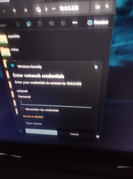
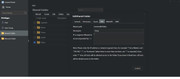
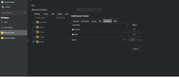
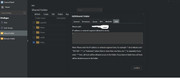
That is the point I enter the information and then it does nothing til I click on the folder again and then it comes up as you saw access denied. I use the same information to login to the web and this keeps happening won't let me in.
Are you accessing the folder that you already set with [*] on the SMB rule in using an user that have permissions to access it?
It's a combination of all those things together - if you are missing even one of them - it's not going to work.
______________________
F5-221; 10G RAM; 5 x 4TB TRAID; Riser, Power and/or ASMedia HW failure undetected by TM Support
F6-424; 32G RAM; 2 x 512GB 8Gb/s M.2; 6 x 4TB raidz2; TrueNAS 25.10.1
¯¯¯¯¯¯ Jellyfin, Pi-Hole, Unifi Controller, Zabbix
things I have done since the reset
created new user account and password
gave myself all read write permissions for all folders
created new user group and added my new user to it
gave the user group read write permissions
did the shared folder step you showed with the asterisk step
set the date and time and language settings
enabled DoS protection
also under advance settings for user account i checked the ability to use symbols in pw since mine does use lower case upper case numbers and symbols.
otherwise all other settings still default
Solved my VLC problem
still working on windows problem
had to uninstall and reinstall DLNA app on NAS
well somewhat solved still missing folders not showing up in VLC
So working on that as well
ok now it working had to restart the NAS after the above mentioned issue was solved then now pc issue solved.
ty for your time in helping me. this was so frustrating I spent almost 12 hours trying to solve. now I can access my media again.