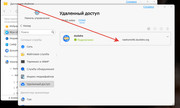
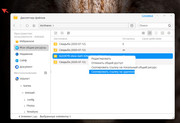
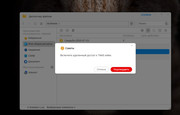
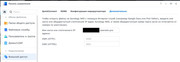
I tried through the Duckdns service, when copying the link it asks to enable TNAS Online.
And if I turn on TNAS ONLINE, I get a link like this: https://tnas.online/****
TMzethar wrote: ↑05 Aug 2025, 19:28
You can replace the LAN IP and port part with the tnas link. If you are using TOS6, you can customize the generated remote link in 'File Modification'.
I use TOS6. I didn't quite understand where to change it. Write in more detail
Good day!
I connect to NAS from external access http://nas.kineetic.ru everything is fine. But when I want to make an external link to a photo I get a local address http://192.168.1.178/******** How can I configure it to get an external link?