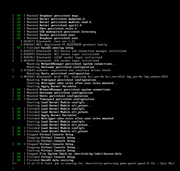
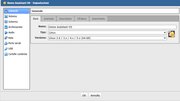
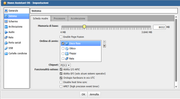
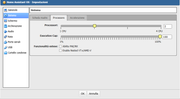
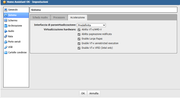
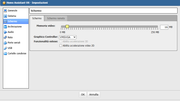
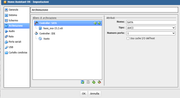
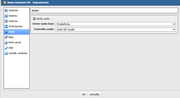
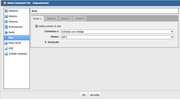
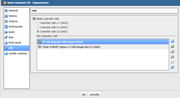
I purchased the Terramaster F2-424 with 32GB of RAM and OS TOS 6.0. I executed the virtual machine setup on VirtualBox. Unfortunately, I can’t install HA; after starting the machine for the first installation, the installation freezes after about ten seconds, and even if I try to shut down the virtual machine after 15 minutes, it gets stuck at 28%. I have to use the kill command to shut it down completely. I downloaded the vdi file from the site using the one for VirtualBox. To connect the Bluetooth stick and the Sonoff ZHA Zigbee stick, I bought a small hub with 5 USB ports (Acer USB 3.0 Hub) directly connected to the USB port where I also plugged in the UPS for potential NAS shutdowns. I am attaching screenshots of the VirtualBox configuration because I don’t understand where the problem lies. Please help me. Thank you in advance.
VirtualBox currently does not support using the USB device you mentioned via the USB interface. This might be the reason for the abnormal behavior you are experiencing.
To contact our team, please send email to following addresses, remember to replace (at) with @:
Technical team: support(at)terra-master.com (for technical support)
Service team: service(at)terra-master.com (for purchasing, return, replacement, RMA service)
It sounds like a compatibility issue—try allocating more video memory, disabling audio and USB 2.0/3.0 controllers in VirtualBox, and ensure VT-x/AMD-V is enabled in BIOS for smoother Home Assistant OS installation on TOS 6.