TOS 7.0.0706 Beta (X86) is Released for Update
Posted: 10 Jun 2026, 17:40
Target Users:
Users currently running TOS 7.0.0601 or later versions.
Note:
If your TOS version is TOS 6, please refer to the TOS 7 beta update instructions first.
Important: This update is only applicable to TOS 7.0.0601 and newer. Users with older versions must first upgrade to 7.0.0601 before applying this update.
Warning:
1. It has been identified that certain models of the 21/22 series (F4-221, F4-421, F5-221, F5-421, F5-422) may experience disk recognition issues with slots HDD3-HDD5 after updating. This issue is still under investigation. Users with the above models are advised NOT to update and continue using TOS 7.0.0601.
2. After a system update, files maintained by the system in the root file system will be aligned with the TOS 7 installation package, and some built-in files and tools will be removed. Therefore, if an application fails to open after the update, please go to the App Center to install the PHP 7.4 dependency required by the application. Affected software includes: Web Server, VirtualBox, FreshRSS, Joomla!, MantisBT, MyBB, Net2FTP, MyWebSQL, Nextcloud, e107_cms, elFinder, IBOS, MariaDB, phpBB, phpMyAdmin and WordPress .
Here, we sincerely thank @weerasak, @rfbjr, @Nitrokalel, @snapsh0t, @Tom, @crisisacting, @Kanuki, @yxyx999, @Gremlin, @OttO1916, @joka388, @oscar1412, @usersky, and others for your sharing and feedback. Your support helped us quickly identify and fix multiple issues.
Update Notes
Bug Fixes:
1. Fixed an issue where uploading files in Safari browser might fail.
2. Fixed an issue where the scale values in the resource monitor did not match the actual values accurately.
3. Fixed an issue where the logrotate configuration item was duplicated.
4. Fixed an issue where the help document link in File Manager was broken.
5. Fixed an issue where passwords for some functions were stored in plain text in configuration files.
6. Fixed an issue where the socket proxy did not take effect when the proxy was enabled.
7. Fixed an issue where the disk health status on some pages was inconsistent with the description on the disk page.
8. Fixed an issue where the hover tooltip for some buttons disappeared.
9. Fixed other known issues.
Important Information:
1.Updating the system theoretically will not affect the data on your hard drives, but for safety, please make sure to back up your data in advance.
2.Before updating, ensure that your primary volume (usually volume1) has at least 3GB of available space. Insufficient storage space may cause the update to fail.
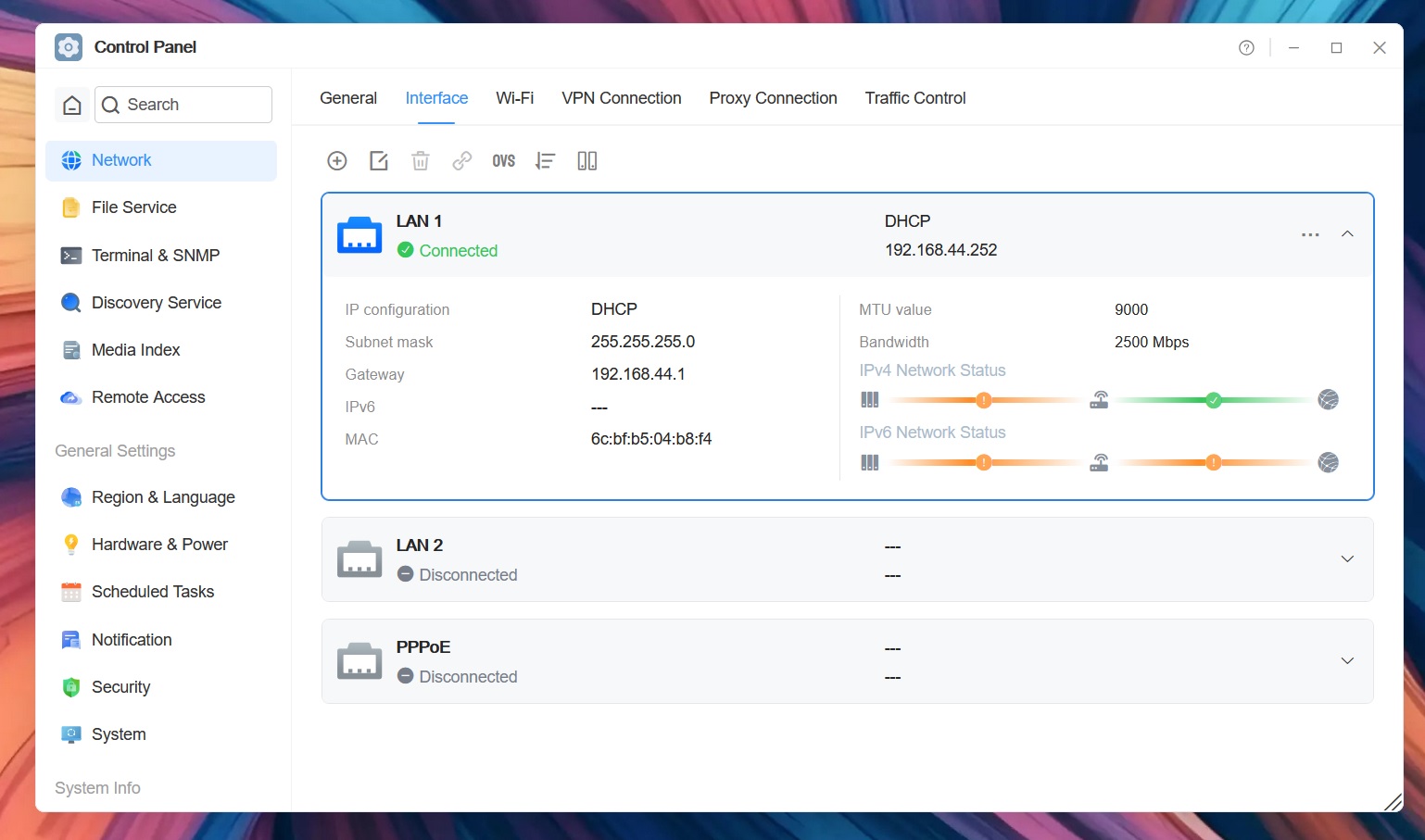
3.After the update, the IP address of your TNAS may change. Please use the TNAS PC desktop client to search for and reconnect to the device.
Update Procedure:
1.Go to TOS > Control Panel > General Settings > System > Update, and click "Check for updates."
2.Follow the prompts to update the system.
3.After the system update is complete, you may need to refresh your browser.
4.The TNAS IP address may change after the update. If you cannot connect to your TNAS using the previous IP address, use the TNAS PC client to search for the new IP address.
Client Downloads:
1. Download TNAS PC 5.2.540 for Windows OS.
- MD5: AFB7CD77DE2A4F0434D69D52D15959AF
2. Download TNAS PC 5.2.540 for macOS (x86 architecture).
- MD5: 715FEB00FDB06DF4CC9A228622566F70
3. Download TNAS PC 5.2.540 for macOS (ARM architecture).
- MD5: A6954F192DD23AF7374CF2AF20190B6C
4. Download TNAS PC 5.2.540 for Linux.
- MD5: A5B13A2C2C9B0F9FFFCBDF6F3BA9E342
5. Download TNAS Mobile 3.5.068 for Android.
6. TNAS Mobile for iOS: https://testflight.apple.com/join/wFWYABJS
Users currently running TOS 7.0.0601 or later versions.
Note:
If your TOS version is TOS 6, please refer to the TOS 7 beta update instructions first.
Important: This update is only applicable to TOS 7.0.0601 and newer. Users with older versions must first upgrade to 7.0.0601 before applying this update.
Warning:
1. It has been identified that certain models of the 21/22 series (F4-221, F4-421, F5-221, F5-421, F5-422) may experience disk recognition issues with slots HDD3-HDD5 after updating. This issue is still under investigation. Users with the above models are advised NOT to update and continue using TOS 7.0.0601.
2. After a system update, files maintained by the system in the root file system will be aligned with the TOS 7 installation package, and some built-in files and tools will be removed. Therefore, if an application fails to open after the update, please go to the App Center to install the PHP 7.4 dependency required by the application. Affected software includes: Web Server, VirtualBox, FreshRSS, Joomla!, MantisBT, MyBB, Net2FTP, MyWebSQL, Nextcloud, e107_cms, elFinder, IBOS, MariaDB, phpBB, phpMyAdmin and WordPress .
Here, we sincerely thank @weerasak, @rfbjr, @Nitrokalel, @snapsh0t, @Tom, @crisisacting, @Kanuki, @yxyx999, @Gremlin, @OttO1916, @joka388, @oscar1412, @usersky, and others for your sharing and feedback. Your support helped us quickly identify and fix multiple issues.
Update Notes
Bug Fixes:
1. Fixed an issue where uploading files in Safari browser might fail.
2. Fixed an issue where the scale values in the resource monitor did not match the actual values accurately.
3. Fixed an issue where the logrotate configuration item was duplicated.
4. Fixed an issue where the help document link in File Manager was broken.
5. Fixed an issue where passwords for some functions were stored in plain text in configuration files.
6. Fixed an issue where the socket proxy did not take effect when the proxy was enabled.
7. Fixed an issue where the disk health status on some pages was inconsistent with the description on the disk page.
8. Fixed an issue where the hover tooltip for some buttons disappeared.
9. Fixed other known issues.
Important Information:
1.Updating the system theoretically will not affect the data on your hard drives, but for safety, please make sure to back up your data in advance.
2.Before updating, ensure that your primary volume (usually volume1) has at least 3GB of available space. Insufficient storage space may cause the update to fail.
3.After the update, the IP address of your TNAS may change. Please use the TNAS PC desktop client to search for and reconnect to the device.
Update Procedure:
1.Go to TOS > Control Panel > General Settings > System > Update, and click "Check for updates."
2.Follow the prompts to update the system.
3.After the system update is complete, you may need to refresh your browser.
4.The TNAS IP address may change after the update. If you cannot connect to your TNAS using the previous IP address, use the TNAS PC client to search for the new IP address.
Client Downloads:
1. Download TNAS PC 5.2.540 for Windows OS.
- MD5: AFB7CD77DE2A4F0434D69D52D15959AF
2. Download TNAS PC 5.2.540 for macOS (x86 architecture).
- MD5: 715FEB00FDB06DF4CC9A228622566F70
3. Download TNAS PC 5.2.540 for macOS (ARM architecture).
- MD5: A6954F192DD23AF7374CF2AF20190B6C
4. Download TNAS PC 5.2.540 for Linux.
- MD5: A5B13A2C2C9B0F9FFFCBDF6F3BA9E342
5. Download TNAS Mobile 3.5.068 for Android.
6. TNAS Mobile for iOS: https://testflight.apple.com/join/wFWYABJS