Page 2 of 6
Re: TOS 7.0.0500 Beta (X86) is Released for Update
Posted: 08 Apr 2026, 16:35
by EriChan
Thank you for your feedback!
Based on your description, this issue is likely caused by browser cache. If the problem persists after clearing the cache, please don't hesitate to let us know.
Re: TOS 7.0.0500 Beta (X86) is Released for Update
Posted: 08 Apr 2026, 18:56
by EriChan
Thank you for your feedback!
This is a known issue at the moment and will be fixed in a future update.
Re: TOS 7.0.0500 Beta (X86) is Released for Update
Posted: 09 Apr 2026, 00:58
by Metyrion
Upgraded my F6-424 Max without any Problems. One question came to my mind while testing the VM Package. Will there be an option to activate vTPM with full release ? The "bypass" option is not very convienient for the normal enduser.
Otherwise keep up the good work, the Software looks very promising

.
Thank you.
Re: TOS 7.0.0500 Beta (X86) is Released for Update
Posted: 09 Apr 2026, 04:17
by bladi3990
I am not sure if it is related to the recent update 7.0.0500, but i am running CPU temperature much higher than normal with little change to my network. just two days ago i received a warning of CPU spiking to 95 degrees and now my base temp is 45-50 with little no load (3%). I conducted a cleaning and removed all dust to improve heat sink air flow and there was very little change.
Re: TOS 7.0.0500 Beta (X86) is Released for Update
Posted: 09 Apr 2026, 04:28
by rfbjr
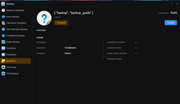
When you select Snapshot from the Backup menu this appears. Snapshot link works from the Start menu or if you have it pined to taskbar.
Re: TOS 7.0.0500 Beta (X86) is Released for Update
Posted: 09 Apr 2026, 05:16
by nedhedrick
F4-423 updated with 7.0.0500. Update applied OK. However, reboot after the update never completed. Waited about 15 minutes, then powered-off the unit with the front panel button. Upon restarting, everything worked OK.
Re: TOS 7.0.0500 Beta (X86) is Released for Update
Posted: 09 Apr 2026, 06:25
by Felix
nedhedrick wrote: ↑09 Apr 2026, 05:16
F4-423 updated with 7.0.0500. Update applied OK. However, reboot after the update never completed. Waited about 15 minutes, then powered-off the unit with the front panel button. Upon restarting, everything worked OK.
he situation you have encountered falls under occasional boot delays following a system version update. Given that the system can fully return to normal after a forced shutdown, it is highly unlikely to be a severe system corruption. It is recommended that you first confirm the current version and perform a normal restart to test stability. If the issue occurs only once, you may continue to monitor and use the system; if it recurs, you should generate a system report to contact technical support or consider reinstalling the system.
Re: TOS 7.0.0500 Beta (X86) is Released for Update
Posted: 09 Apr 2026, 15:38
by storageninja
F4 SSD updated fine, no issues to report yet.
Re: TOS 7.0.0500 Beta (X86) is Released for Update
Posted: 09 Apr 2026, 15:47
by storageninja
rfbjr wrote: ↑09 Apr 2026, 04:28
When you select Snapshot from the Backup menu this appears. Snapshot link works from the Start menu or if you have it pined to taskbar.
Got the same, the backup overview is defective sometimes.
Re: TOS 7.0.0500 Beta (X86) is Released for Update
Posted: 09 Apr 2026, 17:22
by EriChan
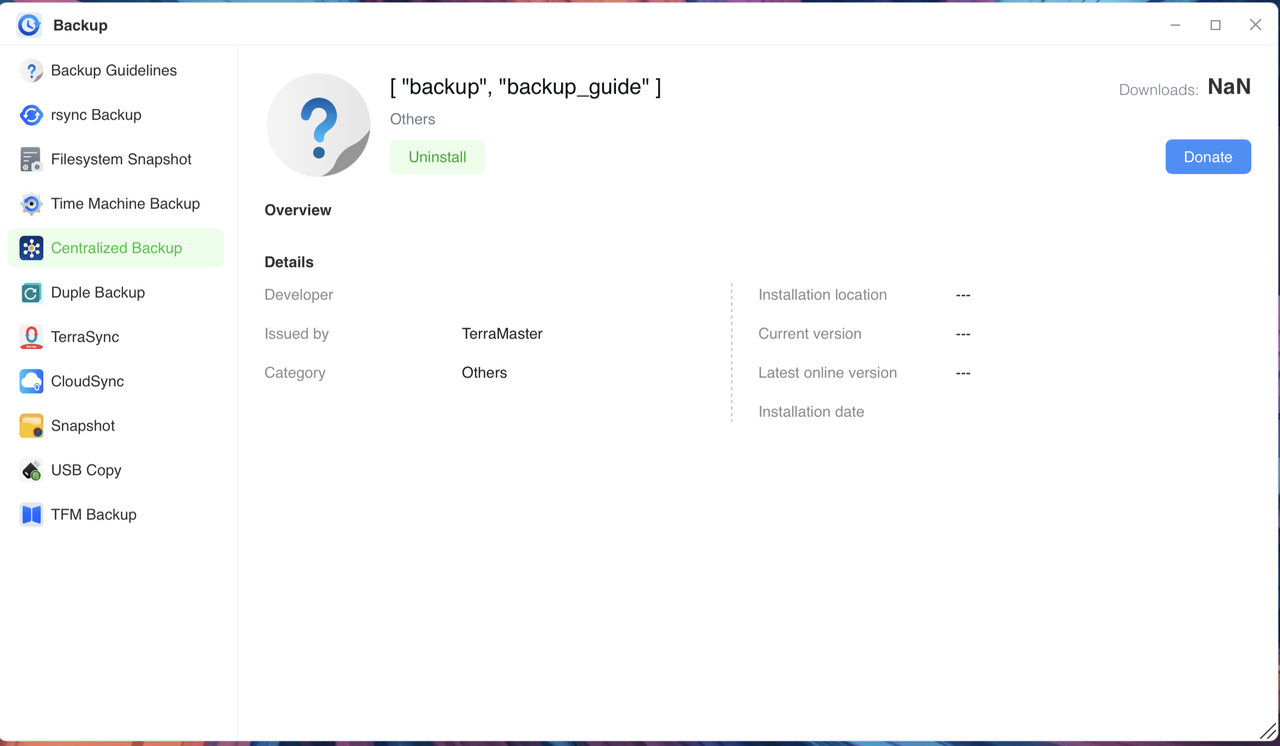
rfbjr wrote: ↑09 Apr 2026, 04:28
Thank you for your feedback!
We have confirmed that this issue does exist and have escalated it to our product team for resolution. The fix will be included in an upcoming update.