[Help] Problems Network Configuration Page

IPv4/6, Port, VPN, proxy, SSH, remote access and more.
Post Reply
User avatar
FNIK
Posts: 29
Joined: 05 Dec 2024, 21:31
Germany

[Help] Problems Network Configuration Page

Post by FNIK »

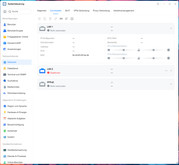
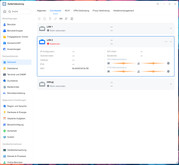
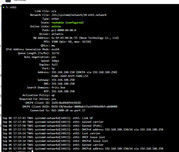
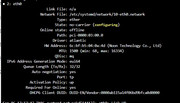
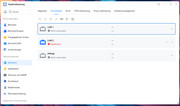
After installing the VMs and encountering network issues due to the bond, the VMs were uninstalled and OVS was disabled. Afterward, the network interfaces lost their assignments. I had to intervene via the console and manually configure at least one network interface. However, now that the NAS is back on the network and TOS 7 is accessible, I can no longer configure anything under System Control --> Network --> Interface. LAN 2 is disabled and cannot be enabled. Even though LAN 1 is working, it does not show a connection. How can I fix the configuration?
TOS 7.0.1169


Image

Image

Image

Image

Image
User avatar
CursaYang
TM Support
Posts: 953
Joined: 06 Jan 2025, 16:34
China

Re: [Help] Problems Network Configuration Page

Post by CursaYang »

We need to check this issue remotely. Please visit the link and schedule an appointment with online customer service for remote assistance:

https://salesiq.zohopublic.com/signatur ... 97d0be8892
To contact our team, please send email to following addresses, remember to replace (at) with @

Technical team: support(at)terra-master.com(for technical support)
Service team: service(at)terra-master.com(for purchasing, return, replacement, RMA service)
Post Reply

Return to “Network”