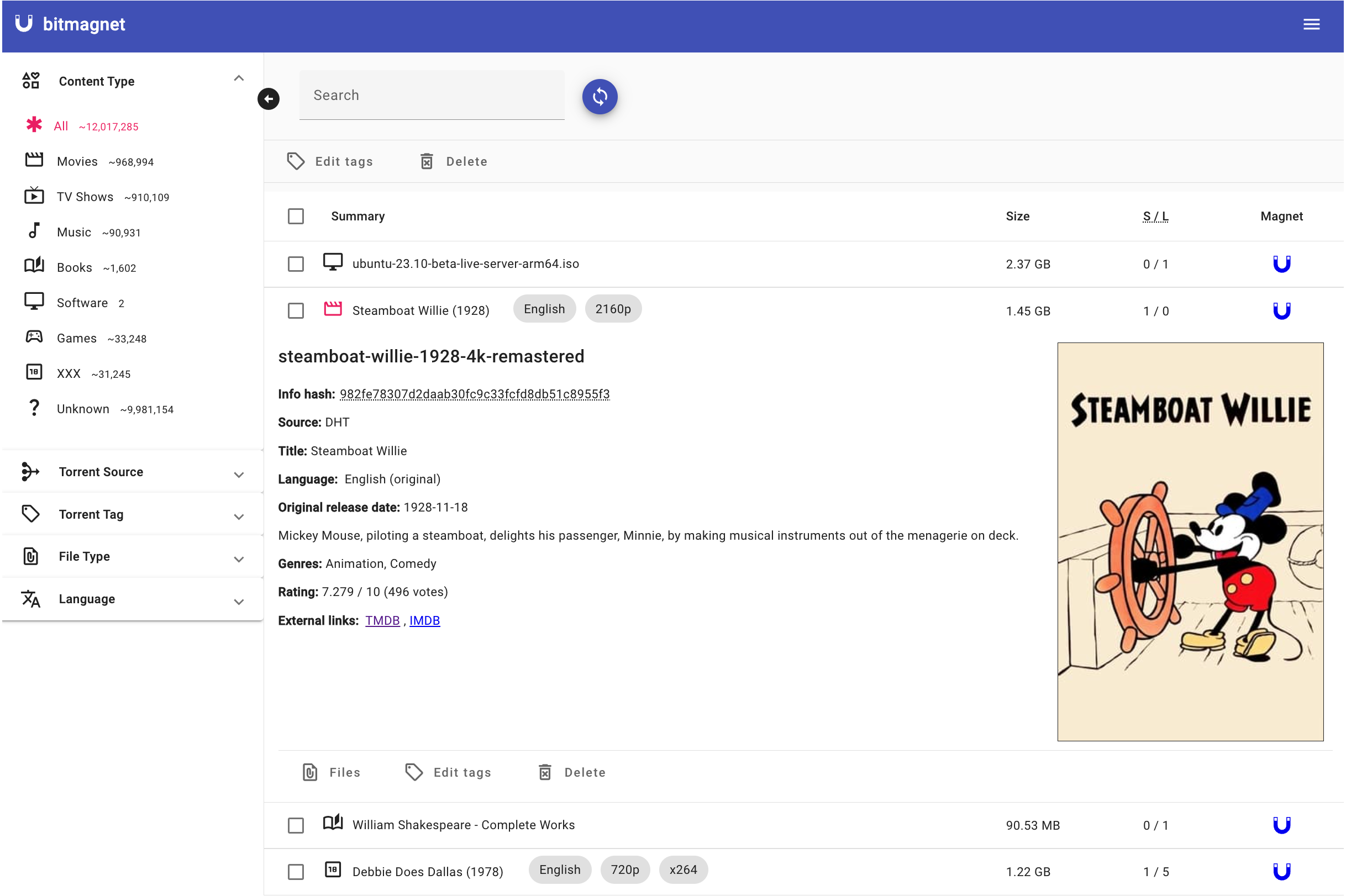
About: https://bitmagnet.io/
Category:
Applicable models: x.64 series
Applicable TOS6: 6.0.420 or later versions
App download: https://tmnascommunity.eu/download/Bitmagnet
Required packages:
PostgreSQL_okm > 14.15.0.0
App WebUI for additional settings can be accesses at:
TOS5 & TOS6: click on Support & Help from app description inside the App Center
How to manully install this app on TerraMaster application store?
First you need to create a user and database to be used with bitmagnet. Use this guide: How to create an user and database in PostgreSQL
Note that the default config for bitmagnet is using the values below:
database name: bitmagnet
username: bitmagnet
password: bitmagnet
You can change these in the config file with your values.
When the database is created, add the following extensions:
- btree_gin
- pg_trgm
Now you can install and start bitmagnet