

At the initialization step (superuser setup page) I set the previous NAS name, username and password - but clicking the “Next” button did not work.
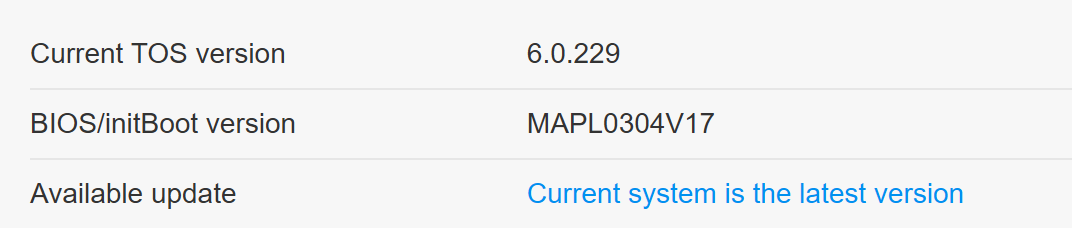
Next attempt - booted from HDD (TOS 6 299? beta) and tried to upgrade to TOS 6 420 beta.
Problem remained the same - superuser installation does not accept my previous username and password.
When I used the username of one of the previous users (without admin rights) - then the NEXT button was pressed and I went to the next step.
Now I can login as this “superuser” - but the control panel is not displayed.
 )) bingo!
And a small inconvenience - please show your info banner for a while longer, right now it shows too short. Perhaps this is just my problem.


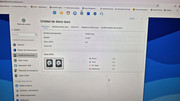
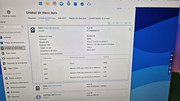
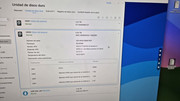
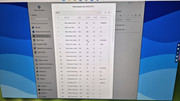



 [Explanation - recently had several momentary power blackouts, enough to trigger messages from TOS5.1 (The network server) but not long enough to shutdown system. TOS6 carries on without notifications or so it seems.]



 (( Common, what's wrong?!