x86 models
Applicable TOS Version:
TOS 5 / TOS 6
Installation Method:
1.Create a Windows 11 Virtual Machine:
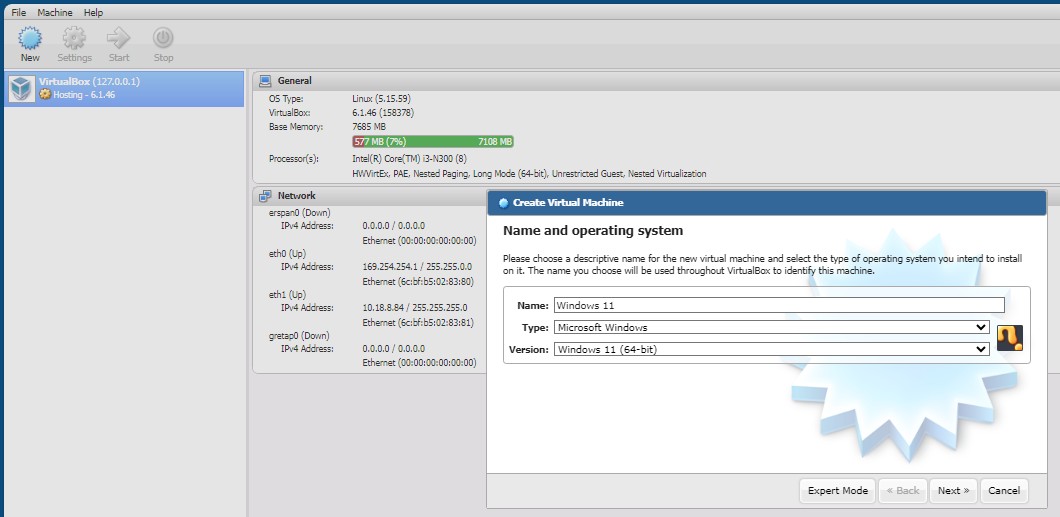
2.Select the appropriate configuration according to your needs:

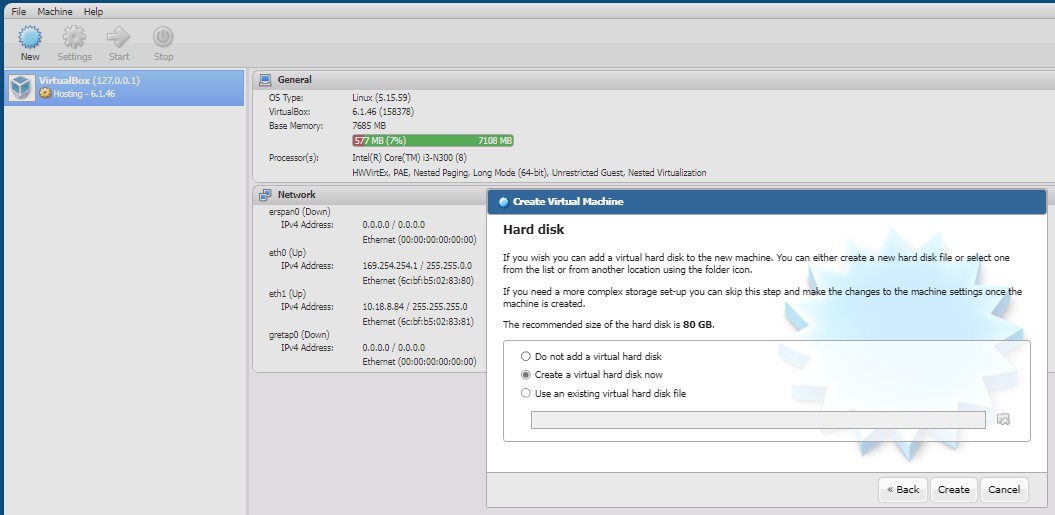
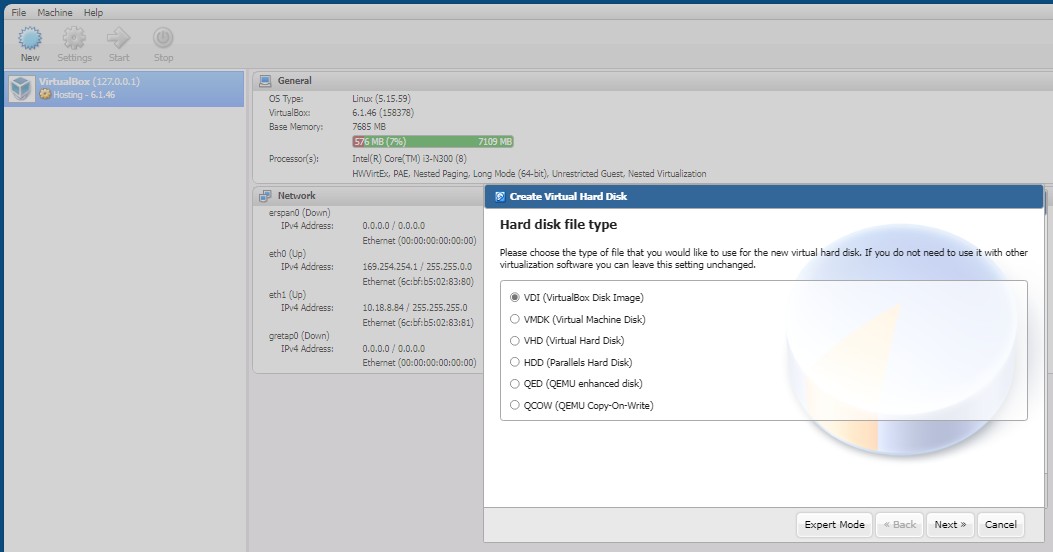
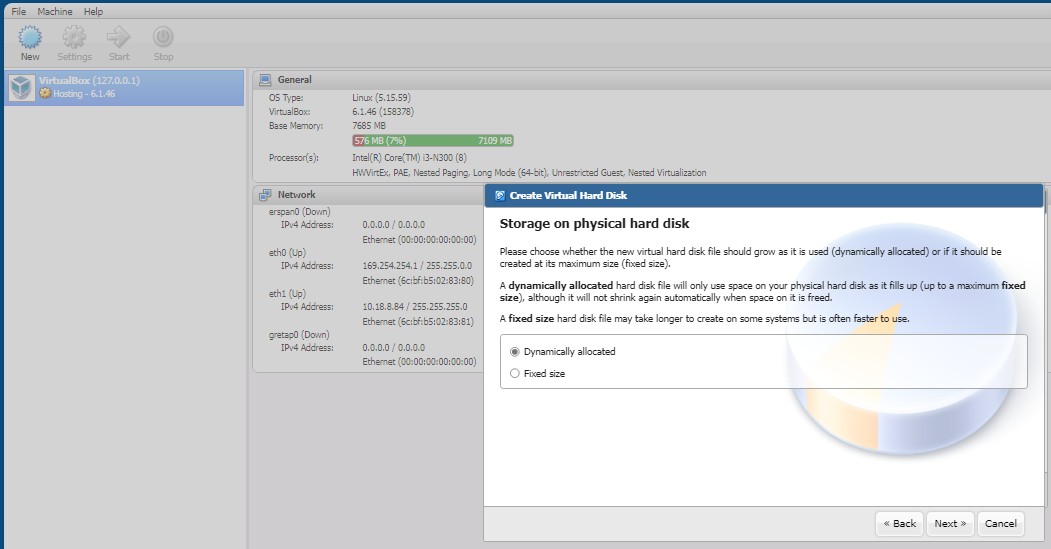
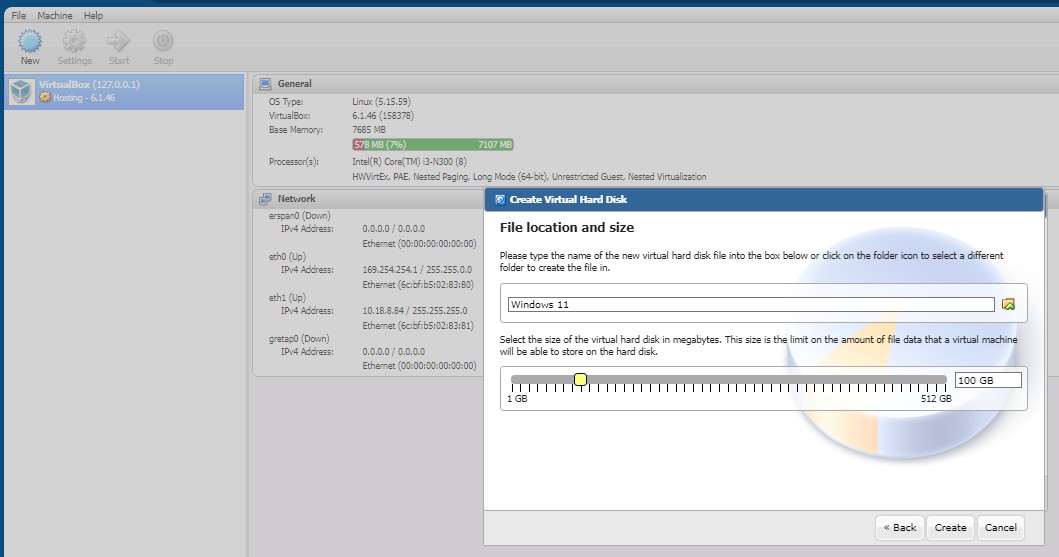
3.Select the ISO file that has been uploaded to TNAS:
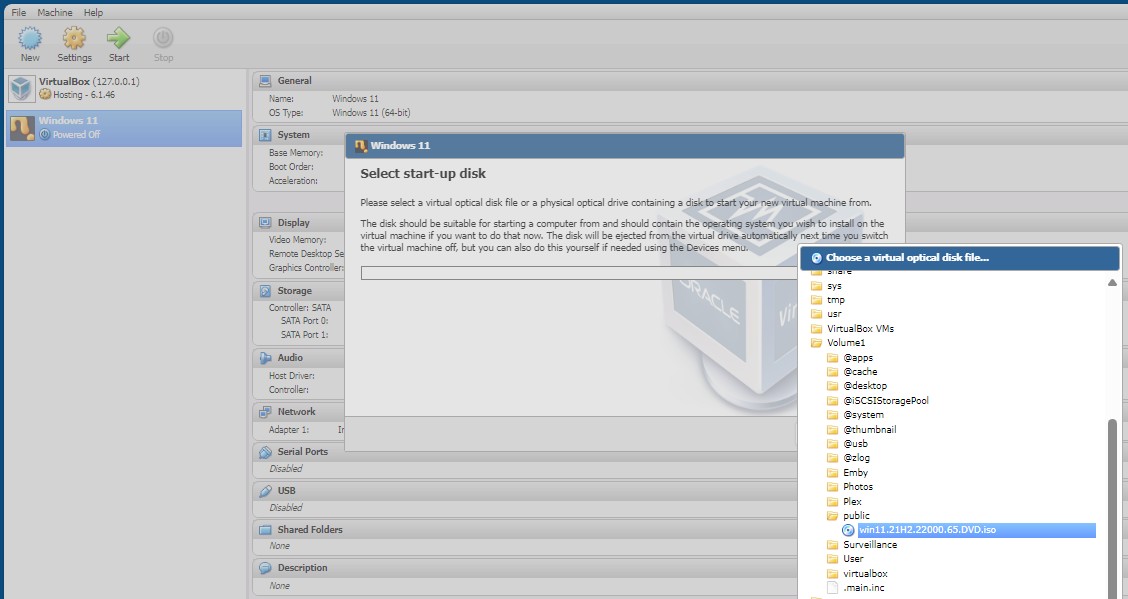
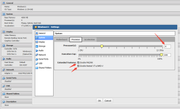
4.After creation, configure the relevant settings according to your needs:
5.Start the virtual machine and click "9100" to download the desktop control program:

6.After controlling the virtual machine desktop, type "exit" and press the "Enter" key to exit the EFI Shell environment:
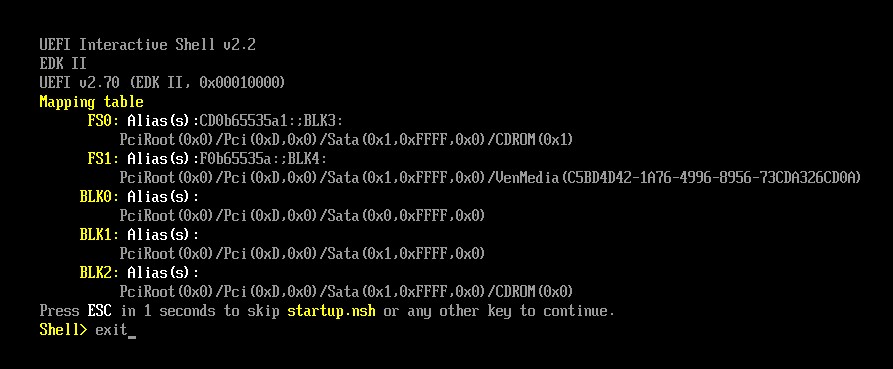
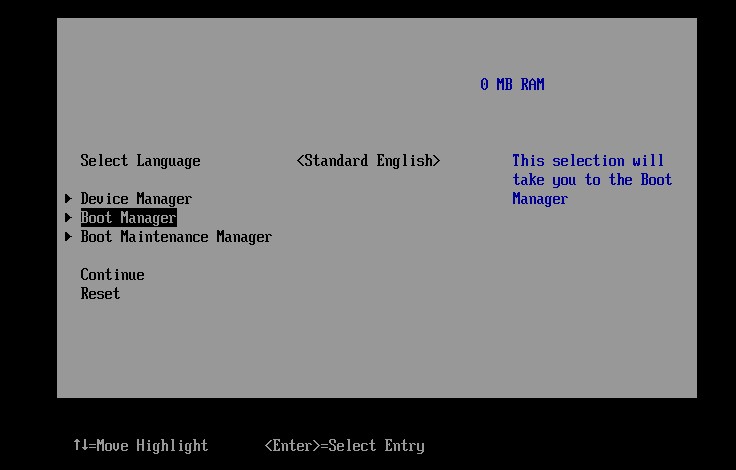
7.Select "Boot Manager" and press "Enter" to enter the boot management page.
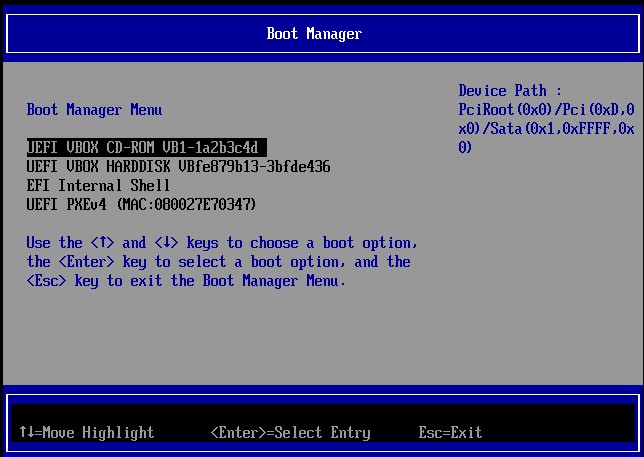
8.Select the 'UEFI VBOX CD-ROM' option and press "Enter" twice consecutively:
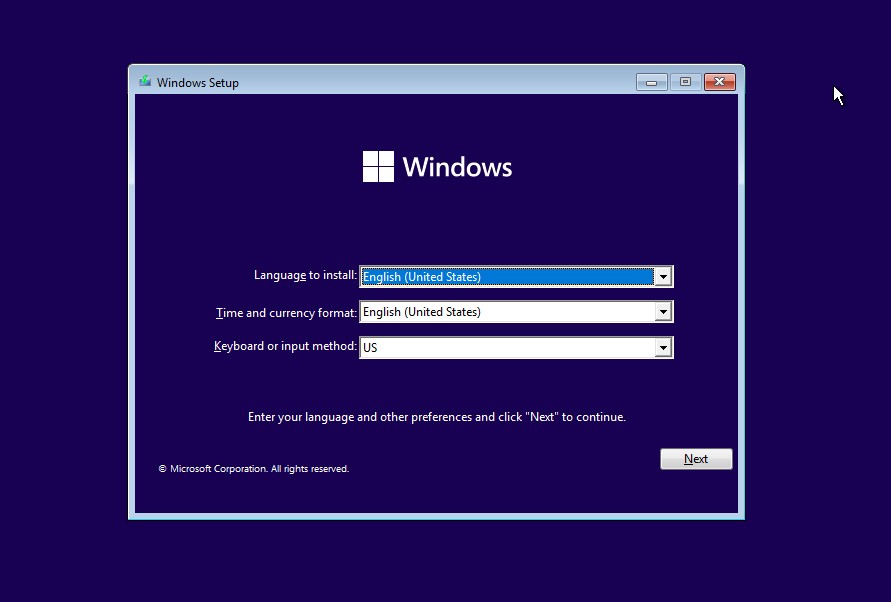
9.Install Windows 11 according to the installation guide: