[Help] Drive replacement fails - TOS 7.0.0500
Posted: 13 Apr 2026, 13:49
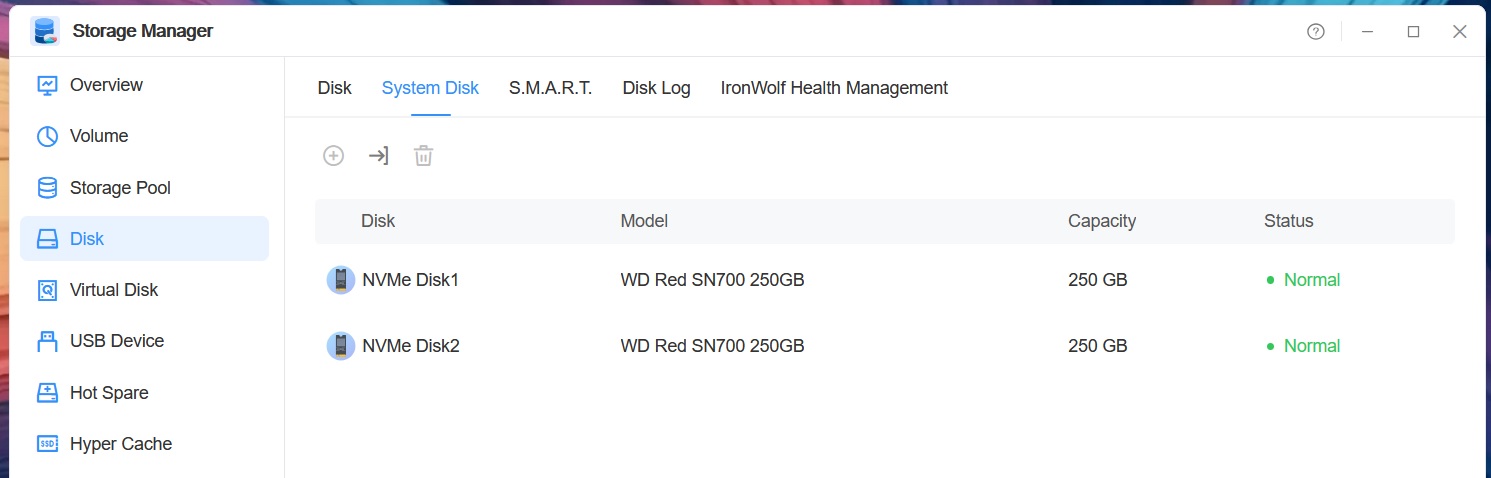
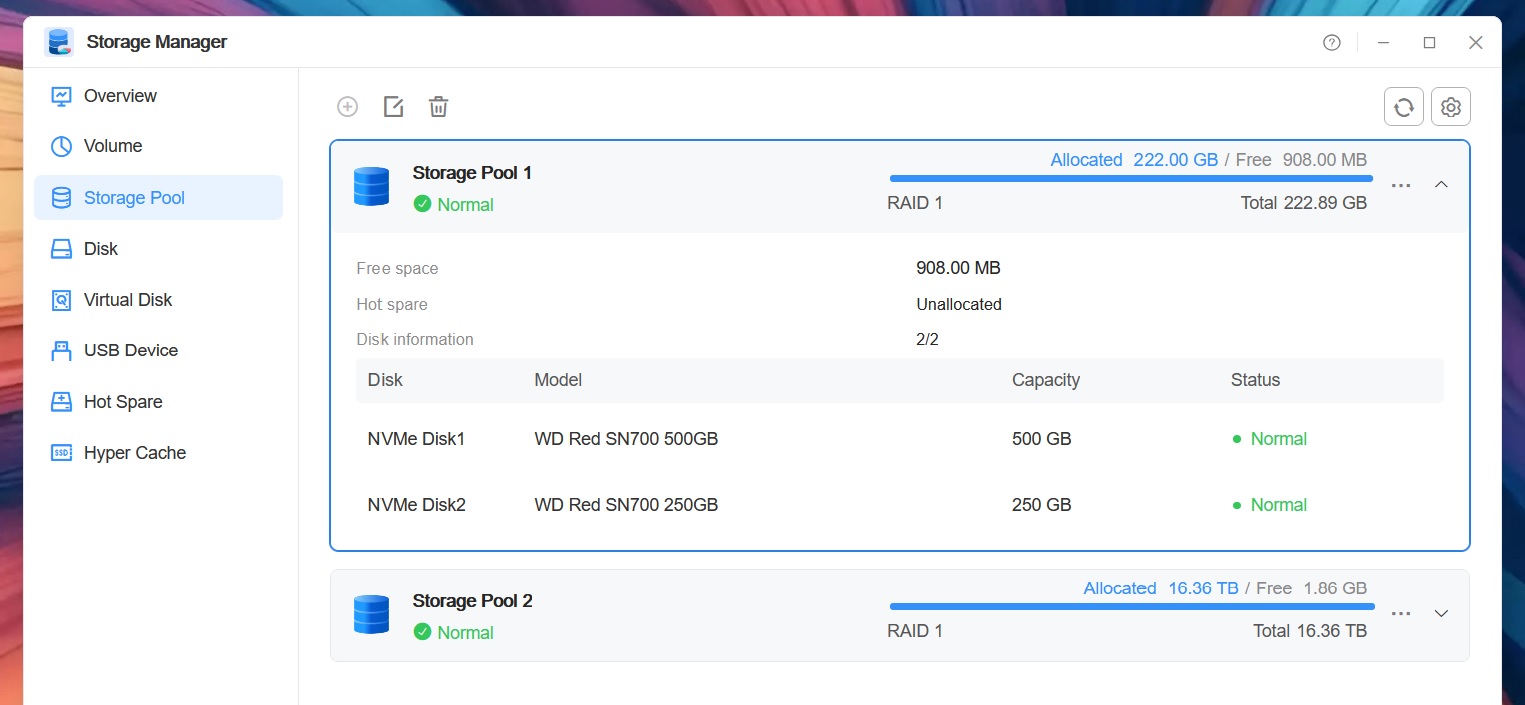
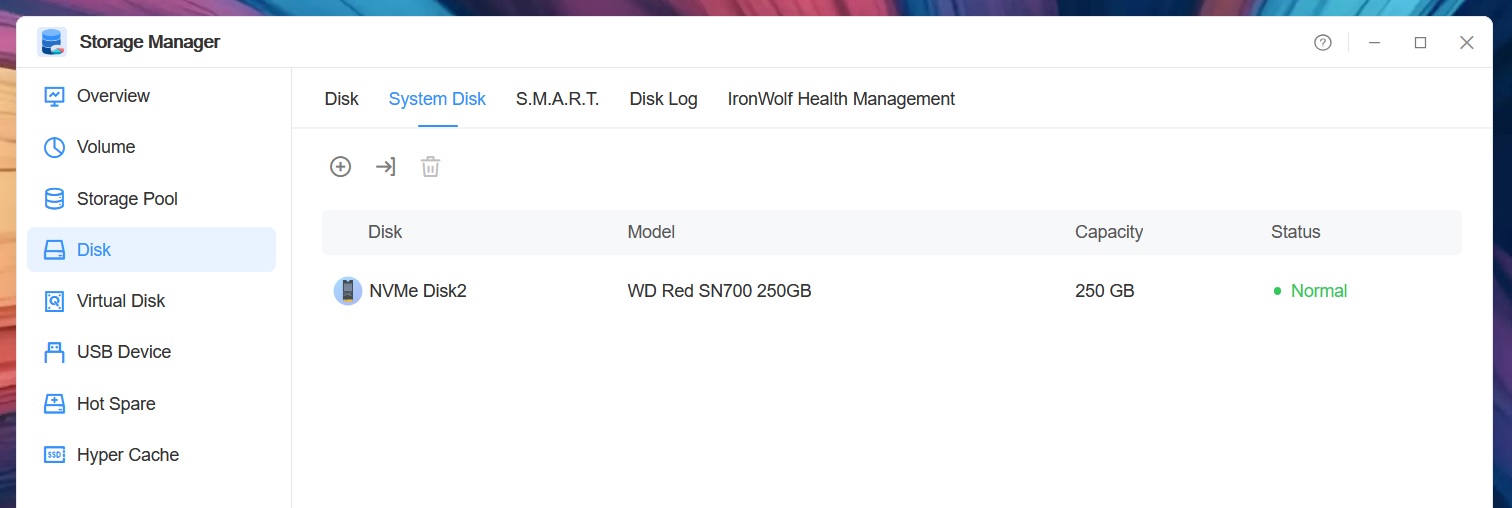
I wanted to replace the 250GB M.2 SSDs making Volume1 in my F2-425+ with 500GB drives. So, following the instructions in the FAQ viewtopic.php?t=8036, I replaced M.2-2 and waited for the two drives to synchronise. So far, so good. I then replaced M2-1 and powered the NAS back on. It gave the initial beep then a few seconds later, three quick beeps. The GUI just gives a white screen with "TOS loading" in the middle.
I put the original 250GB drives back in and let them re-synchronise. While that was happening I attached the 500GB drives to my PC to check them then used Diskpart's Clean command to reset them.
I then tried again, starting with M2-1, but got the same result when I replaced M2-2.
These are the boot drives so I'm guessing the synchronise process isn't correctly writing the boot partitions.
Is there anything else I can do to fix this? If I put a monitor on the HDMI port, will it show anything during the boot sequence?
I put the original 250GB drives back in and let them re-synchronise. While that was happening I attached the 500GB drives to my PC to check them then used Diskpart's Clean command to reset them.
I then tried again, starting with M2-1, but got the same result when I replaced M2-2.
These are the boot drives so I'm guessing the synchronise process isn't correctly writing the boot partitions.
Is there anything else I can do to fix this? If I put a monitor on the HDMI port, will it show anything during the boot sequence?