Page 1 of 2
[ Immich ](docker) Self-hosted photo and video management solution
Posted: 01 Jun 2025, 17:40
by outkastm
 About: https://immich.app
Category:
About: https://immich.app
Category: Media
Applicable models: x.64 series, ARMv8.2 series
Applicable TOS5: 5.1.37 or later versions
Applicable TOS6: 6.0.124 or later versions
Guide link: https://tmnascommunity.eu/download/immich
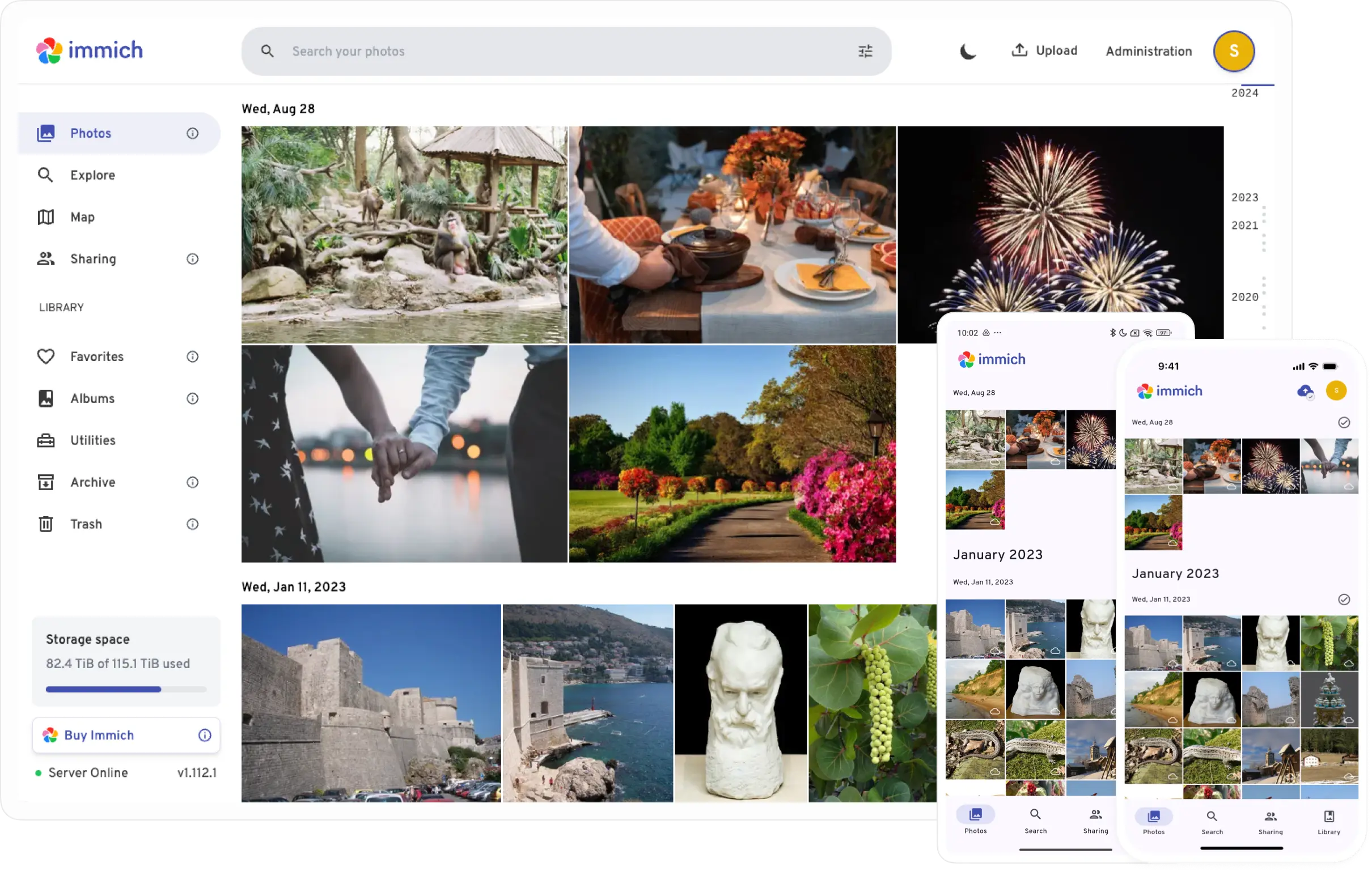
Step by step guide to install Immich on your NAS using Docker Engine.
Easily back up, organize, and manage your photos on your own server. Immich helps you
browse, search and organize your photos and videos with ease, without sacrificing your privacy.
Mobile app to sync your photos is also available for Android and iOS
Re: [ Immich ](docker) Self-hosted photo and video management solution
Posted: 03 Jun 2025, 04:43
by outkastm
Guide is ready
Re: [ Immich ](docker) Self-hosted photo and video management solution
Posted: 18 Jun 2025, 00:53
by Uva
Hello, I followed the guide, but when I got to the creation of the Docker project, I was unable to validate the YML file.
If I change only what is suggested, it tells me that there is a syntax error. The AI tells me how to correct it. If I make the correction and check it, it doesn't report anything, but it won't let me save the file.
How can I proceed?
Thank you very much.
Re: [ Immich ](docker) Self-hosted photo and video management solution
Posted: 18 Jun 2025, 01:10
by Uva
Re: [ Immich ](docker) Self-hosted photo and video management solution
Posted: 28 Jun 2025, 05:25
by eeeney
The guide was great, just one setup point I need help with. Once Immich is up and running, how do you point it at your NAS folders that contain your photos?
I tried using 'External Libraries' but I can't get the 'Path' correct. Every Path I enter is incorrect and fails validatin.... if I want to point to 'Volume1/Photos' on the Tnas, then how do you format this as a Path in Immich for an External Library
Re: [ Immich ](docker) Self-hosted photo and video management solution
Posted: 30 Jun 2025, 21:12
by outkastm
In order to see a local folder from NAS inside the docker container, you have to mount it first in docker
Re: [ Immich ](docker) Self-hosted photo and video management solution
Posted: 30 Jun 2025, 22:20
by FredMutter
eeeney wrote: ↑28 Jun 2025, 05:25
I tried using 'External Libraries' but I can't get the 'Path' correct. Every Path I enter is incorrect and fails validatin.... if I want to point to 'Volume1/Photos' on the Tnas, then how do you format this as a Path in Immich for an External Library
in the yaml file => - /Volume1/Photos:/data
(and in Immich use /data as the path to the external library)
Re: [ Immich ](docker) Self-hosted photo and video management solution
Posted: 21 Aug 2025, 10:39
by petercasa
GREAT Guide! As someone very new to docker this was amazing. Thank you!
Today I see there's a new Immich version, and I tried to follow update instructions from
https://immich.app/docs/install/upgrading/ but they didn't work for me - any ideas on how to proceed?
Re: [ Immich ](docker) Self-hosted photo and video management solution
Posted: 14 Sep 2025, 17:52
by outkastm
You can use the guide
https://tmnascommunity.eu/download/watchtower and setup the watchtower container.
This will update automatically all your containers (you can also skip some for monitoring).
Or you can use the manual way: stop immich project, delete all the images from immich project, edit the project, don't change anything and apply the yaml file. These steps will download the latest images.
Re: [ Immich ](docker) Self-hosted photo and video management solution
Posted: 20 Sep 2025, 12:28
by Platenigh
Is Immich stable on TOS6 with ARMv8.2 devices?
