Clam AV - antivirus is frozen?
Posted: 16 Feb 2025, 07:53
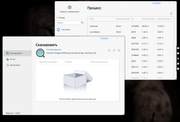
Scans almost empty NAS for two hours. I think it's stuck on this file.
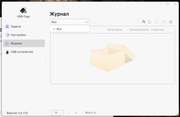
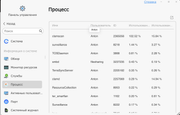
Or it checks these log files incredibly slowly with a CPU load of 20%, I don’t know what.
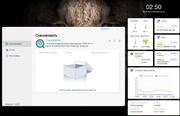
No it's not frozen, but it's incredibly slow, maybe it doesn't understand file types?
That you can scan for 2 hours on a NAS where there are a couple dozen videos, 300-500 photos, one small installer, everything else is service information.
Or it checks these log files incredibly slowly with a CPU load of 20%, I don’t know what.
No it's not frozen, but it's incredibly slow, maybe it doesn't understand file types?
That you can scan for 2 hours on a NAS where there are a couple dozen videos, 300-500 photos, one small installer, everything else is service information.