Page 1 of 2
[ Jellyseerr ] Manage requests for your media library
Posted: 19 Jun 2022, 04:06
by outkastm
 About:
Category:
Applicable models:
About:
Category:
Applicable models: TerraMaster x.64 series
Applicable TOS4: 4.1.27 or later versions
Applicable TOS5: 5.1.40 or later versions
App download: https://tmnascommunity.eu/download/jellyseerr/
Required packages:
NodeJS > 16.15.1.0
Module WebUI for additional settings can be accesses at
TOS4: http(s)://yournasip:port/modules/Jellyseerr/www
TOS5: click on
Support & Help from app description inside the App Center
How to manully install this app on TerraMaster application store?
About:
Jellyseerr is a free and open source software application for managing requests for your media library. It is a a fork of Overseerr built to bring support for Jellyfin & Emby media servers!
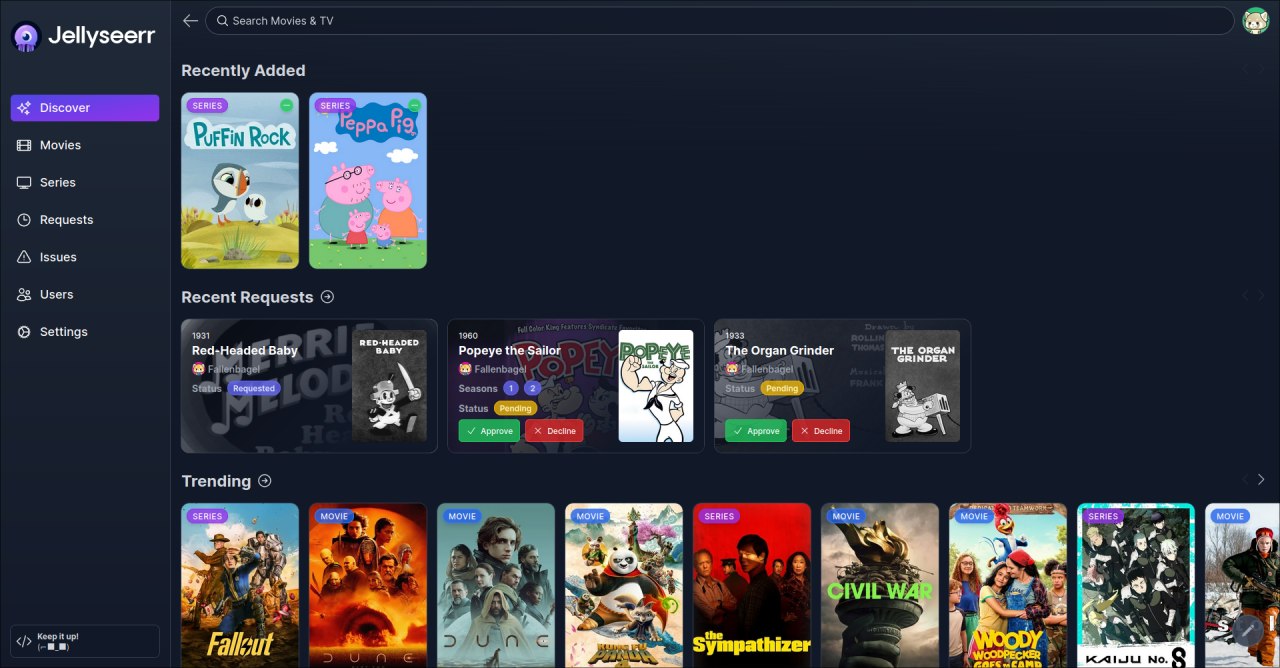
Re: [ Jellyseerr ][ 1.1.0.0 ] Manage requests for your media library
Posted: 20 Jun 2022, 07:54
by outkastm
added initial version
Re: [ Jellyseerr ] Manage requests for your media library
Posted: 07 Sep 2023, 05:58
by TreyD
Will this work on TOS 5?
Re: [ Jellyseerr ] Manage requests for your media library
Posted: 07 Sep 2023, 06:47
by outkastm
not yet available for TOS5 but will be done
Re: [ Jellyseerr ] Manage requests for your media library
Posted: 08 Sep 2023, 03:58
by outkastm
added TOS5 version
Re: [ Jellyseerr ] Manage requests for your media library
Posted: 08 Sep 2023, 10:57
by TreyD
Wow! Thank you, if there a buy you a coffee link?
Re: [ Jellyseerr ] Manage requests for your media library
Posted: 09 Sep 2023, 00:16
by TreyD
outkastm wrote: ↑08 Sep 2023, 03:58
added TOS5 version
I can't get it to enable.
Re: [ Jellyseerr ] Manage requests for your media library
Posted: 09 Sep 2023, 00:29
by outkastm
You have nodejs from tmnascommunity.eu installed?
Re: [ Jellyseerr ] Manage requests for your media library
Posted: 09 Sep 2023, 00:39
by TreyD
16.15.1.0
Re: [ Jellyseerr ] Manage requests for your media library
Posted: 09 Sep 2023, 00:48
by TreyD
I tried uninstalling and deleting JellySeerr folder and reinstall same thing, won't enable