Replace HDD on RAID1
Posted: 04 Jan 2021, 17:41
Hi all,
I have a new F4-210 NAS, TOS version 4.2.07
I have created a RAID 1 with a 250GB Seagate ST250DM000 and a 400GB Seagate ST3400832AS and a volume of 250GB
I power off the NAS and changed the 250GB HDD by an 500GB Western Digital WD50000AAKS for update the size.
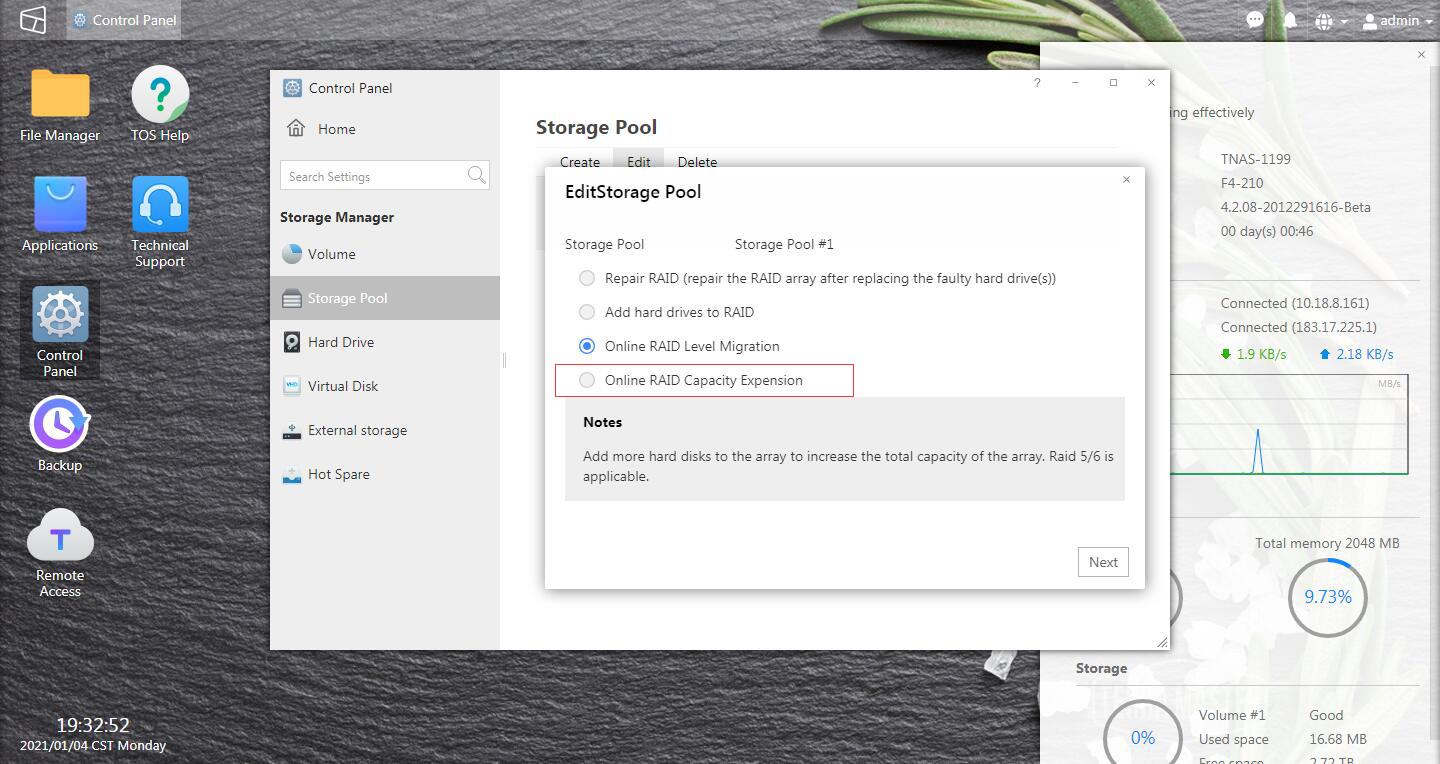
The RAID 1 has been resynchronized without issue and the storage group see the correct capacity (arround 400GB) but wen I try to resize the volume nothing happens.
I rebooted the NAS and try to resize it several times without success.
I have tried to apply the solution of this post: viewtopic.php?f=25&t=266&p=1040&hilit=e ... lume#p1040
I have used the following code in to SSH: lvextend -l +100%FREE /dev/vg0/lv0
But now the volume shows the old size of 224,14GB
What's hapen? how can I extend the volume?
Can you help me please?
Thankyou.
I have a new F4-210 NAS, TOS version 4.2.07
I have created a RAID 1 with a 250GB Seagate ST250DM000 and a 400GB Seagate ST3400832AS and a volume of 250GB
I power off the NAS and changed the 250GB HDD by an 500GB Western Digital WD50000AAKS for update the size.
The RAID 1 has been resynchronized without issue and the storage group see the correct capacity (arround 400GB) but wen I try to resize the volume nothing happens.
I rebooted the NAS and try to resize it several times without success.
I have tried to apply the solution of this post: viewtopic.php?f=25&t=266&p=1040&hilit=e ... lume#p1040
I have used the following code in to SSH: lvextend -l +100%FREE /dev/vg0/lv0
But now the volume shows the old size of 224,14GB
What's hapen? how can I extend the volume?
Can you help me please?
Thankyou.