[Help] Cloud Backup ignores Polling time in upload direction
Posted: 10 Sep 2026, 03:08
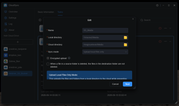
I have a Hetzner S3 Object Storage Bucket that I use as an off-site backup for basically my entire NAS.
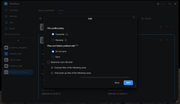
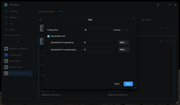
The correspondinh task is set to "upload changes only" and I have a polling time set for 5 hours.
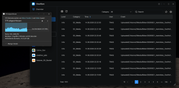
My problem is that TOS completely ignores the polling time and immeaditaley starts uploading the files as soon as they are stored on the shared folder, even as the file transfer is still running, slowing the copy process and conjesting my network.
Is there any way to delay this or make cloud backup strictly adhere to the set polling time?
The correspondinh task is set to "upload changes only" and I have a polling time set for 5 hours.
My problem is that TOS completely ignores the polling time and immeaditaley starts uploading the files as soon as they are stored on the shared folder, even as the file transfer is still running, slowing the copy process and conjesting my network.
Is there any way to delay this or make cloud backup strictly adhere to the set polling time?