NVMe ADATA S11 Pro Failure in TOS 7: System Freeze, Critical Pool Error, and Web UI Failure on F8
Posted: 12 Jul 2026, 15:51
Good afternoon.
I am using a TerraMaster F8 running the latest version of TOS 7.
One of my ADATA XPG GAMMIX S11 Pro [AGAMMIXS11P-1TT-C] NVMe 1000 GB drives, purchased in November 2024, has failed.
Until recently, it was in excellent health; I was successfully saving files to it in the morning, but the other evening, it suddenly started malfunctioning. It was not a boot/system drive (it used to be a system drive a long time ago, but I later removed it from that role). It simply held an encrypted download folder for syncing files from my laptop, etc. The drive was running independently, without RAID.
After a reboot (using F8), the entire system completely froze due to this drive. Once I physically removed the SSD, the system booted normally. TOS itself is installed on two Samsung drives.
Key Issues & Anomalies:
1. False Alerts and Empty Logs:
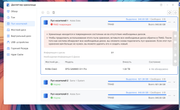
The right-side panel in the TOS 7 web interface displayed a green error message claiming that another drive was broken, even though all remaining drives successfully passed SMART checks. Naturally, the logs application showed absolutely nothing—the logs were completely empty.
2. Web UI and Services Breakdown:
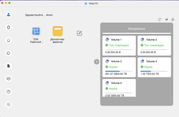
The next morning, I opened the web interface and found that only one icon remained in the top menu. Almost nothing is clickable now; it is impossible to launch either the terminal or the logs application. Video Surveillance and Transmission apps fail to open. The Docker container manager only lets me open its web UI, but none of the containers actually work.
3. Abnormal Overheating:
Furthermore, when I reboot the F8 device using the physical hardware button, the slot housing this specific drive and the exhaust air coming out of it feel remarkably hot, whereas all other components and drives remain perfectly cool.
4. SMART Test Behavior:
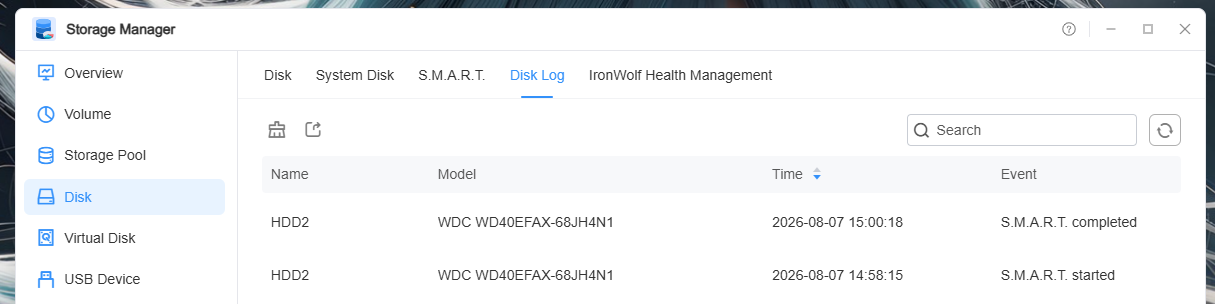
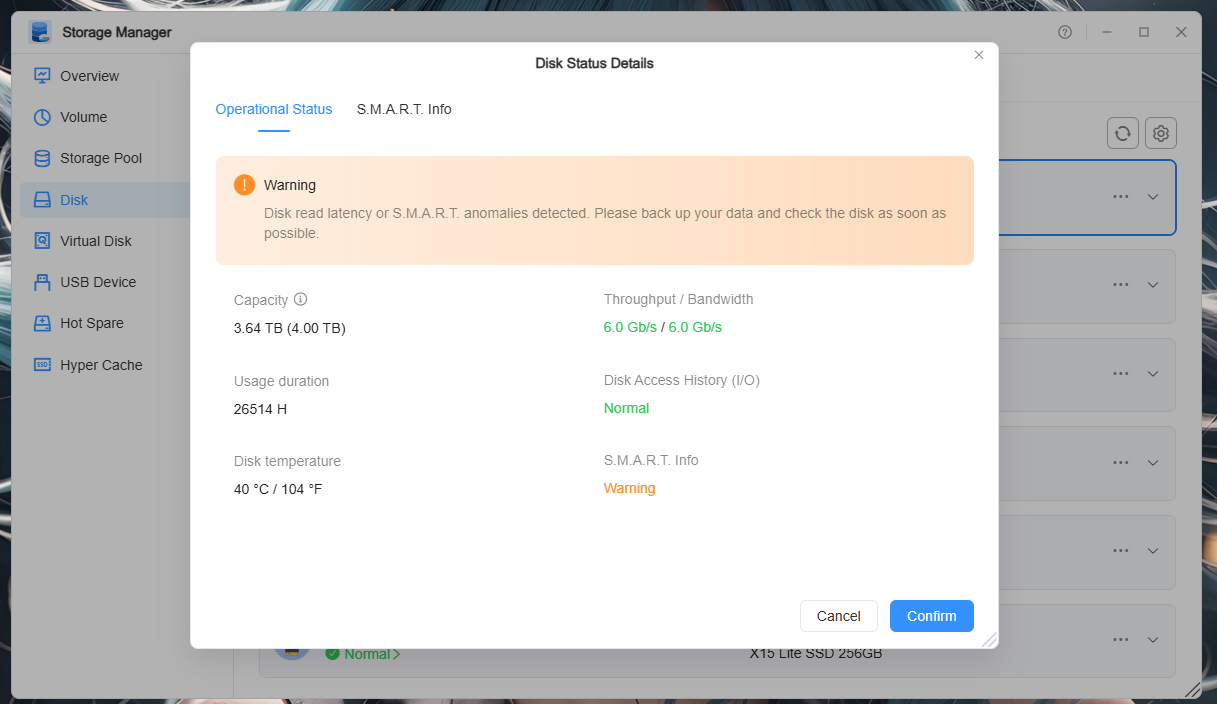
The SMART testing utility in TOS 7 does not display the completion time of the tests. In the web interface, the progress doesn't always update or complete automatically until you manually refresh the page. Judging by the fact that after refreshing, it might show "Test Completed" while still running other tasks, it seems the remaining drives are testing normally. However, I believe having the exact completion date/time of the last test is essential.

I am using a TerraMaster F8 running the latest version of TOS 7.
One of my ADATA XPG GAMMIX S11 Pro [AGAMMIXS11P-1TT-C] NVMe 1000 GB drives, purchased in November 2024, has failed.
Until recently, it was in excellent health; I was successfully saving files to it in the morning, but the other evening, it suddenly started malfunctioning. It was not a boot/system drive (it used to be a system drive a long time ago, but I later removed it from that role). It simply held an encrypted download folder for syncing files from my laptop, etc. The drive was running independently, without RAID.
After a reboot (using F8), the entire system completely froze due to this drive. Once I physically removed the SSD, the system booted normally. TOS itself is installed on two Samsung drives.
Key Issues & Anomalies:
1. False Alerts and Empty Logs:
The right-side panel in the TOS 7 web interface displayed a green error message claiming that another drive was broken, even though all remaining drives successfully passed SMART checks. Naturally, the logs application showed absolutely nothing—the logs were completely empty.
2. Web UI and Services Breakdown:
The next morning, I opened the web interface and found that only one icon remained in the top menu. Almost nothing is clickable now; it is impossible to launch either the terminal or the logs application. Video Surveillance and Transmission apps fail to open. The Docker container manager only lets me open its web UI, but none of the containers actually work.
3. Abnormal Overheating:
Furthermore, when I reboot the F8 device using the physical hardware button, the slot housing this specific drive and the exhaust air coming out of it feel remarkably hot, whereas all other components and drives remain perfectly cool.
4. SMART Test Behavior:
The SMART testing utility in TOS 7 does not display the completion time of the tests. In the web interface, the progress doesn't always update or complete automatically until you manually refresh the page. Judging by the fact that after refreshing, it might show "Test Completed" while still running other tasks, it seems the remaining drives are testing normally. However, I believe having the exact completion date/time of the last test is essential.